Create a User⚓︎
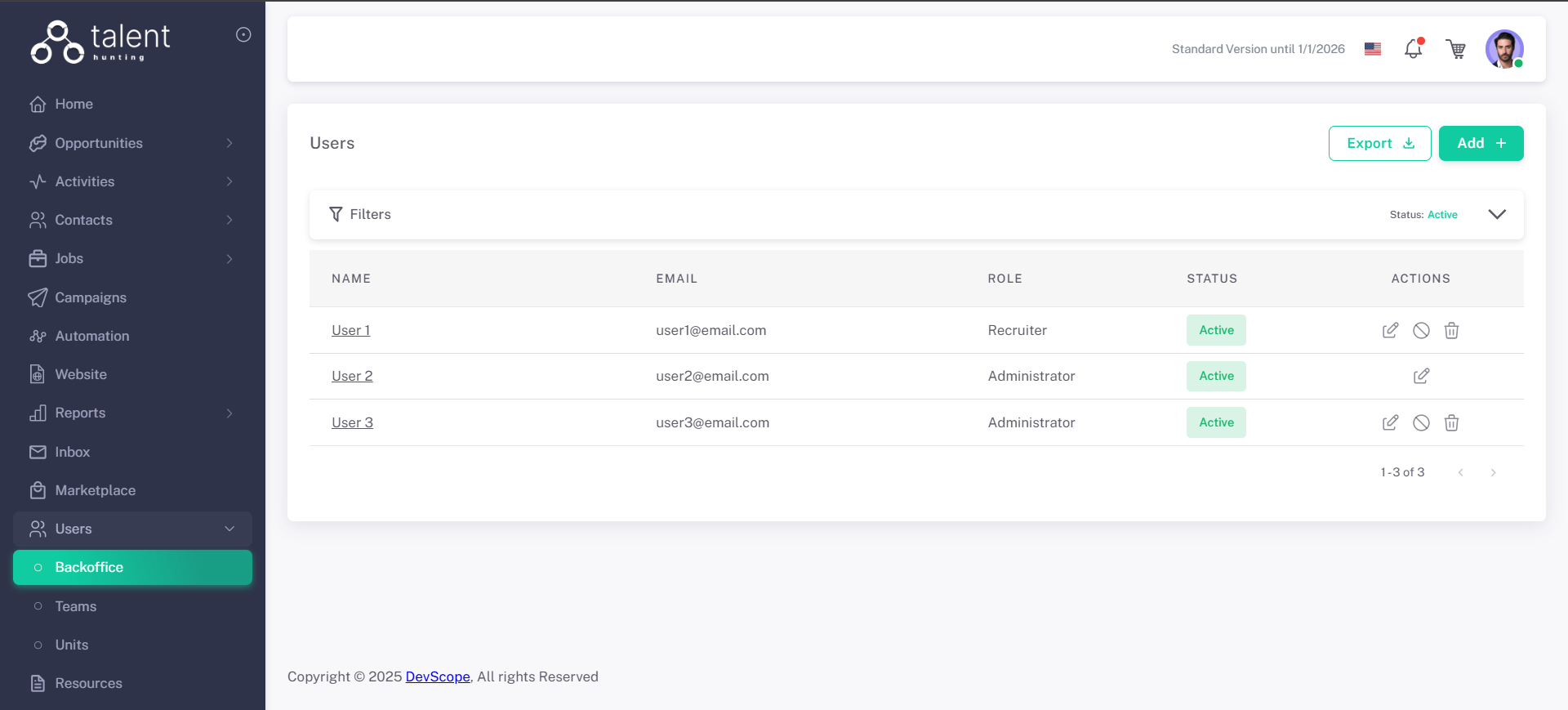
1 - Go to the Users Section⚓︎
.png)
2 - Click “Add +”⚓︎
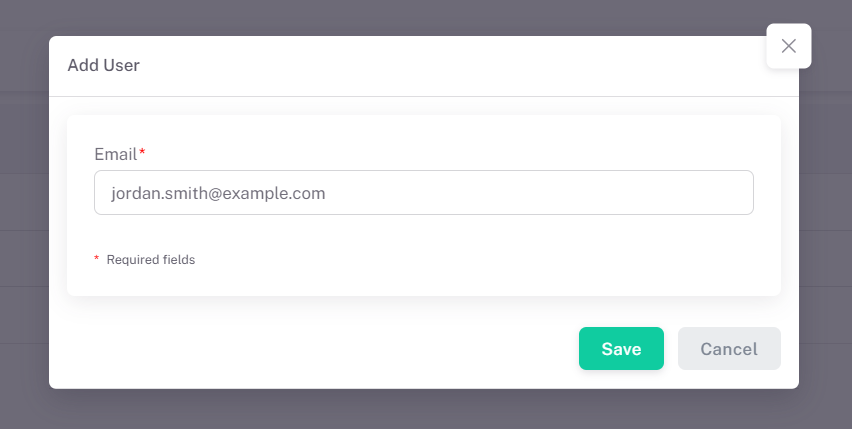
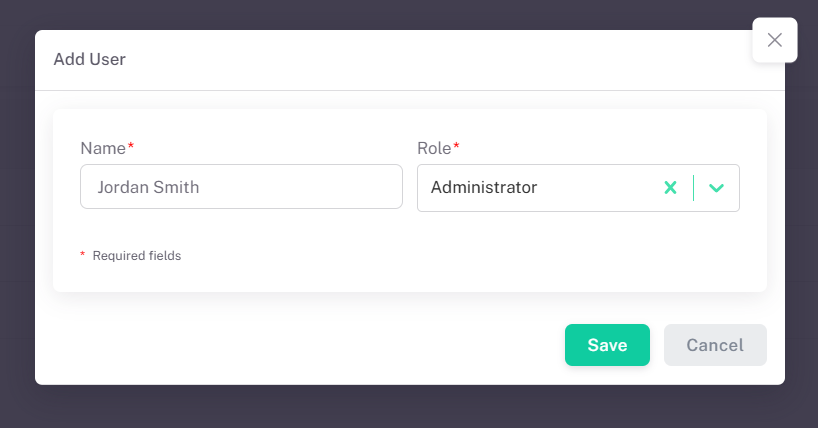
3 - Fill in User Details⚓︎
- Name
- Application Role
4 - Save the User⚓︎
Click Save. The new user is now created in a "Pending" status and will receive an email notification inviting them to join your work environment. The user must accept this invitation to complete the creation process.