Create an Organization⚓︎
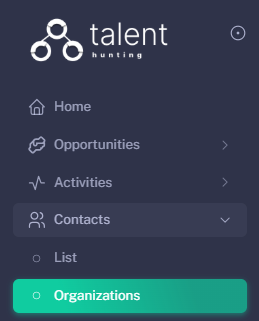
1 - Go to the Organizations Section⚓︎
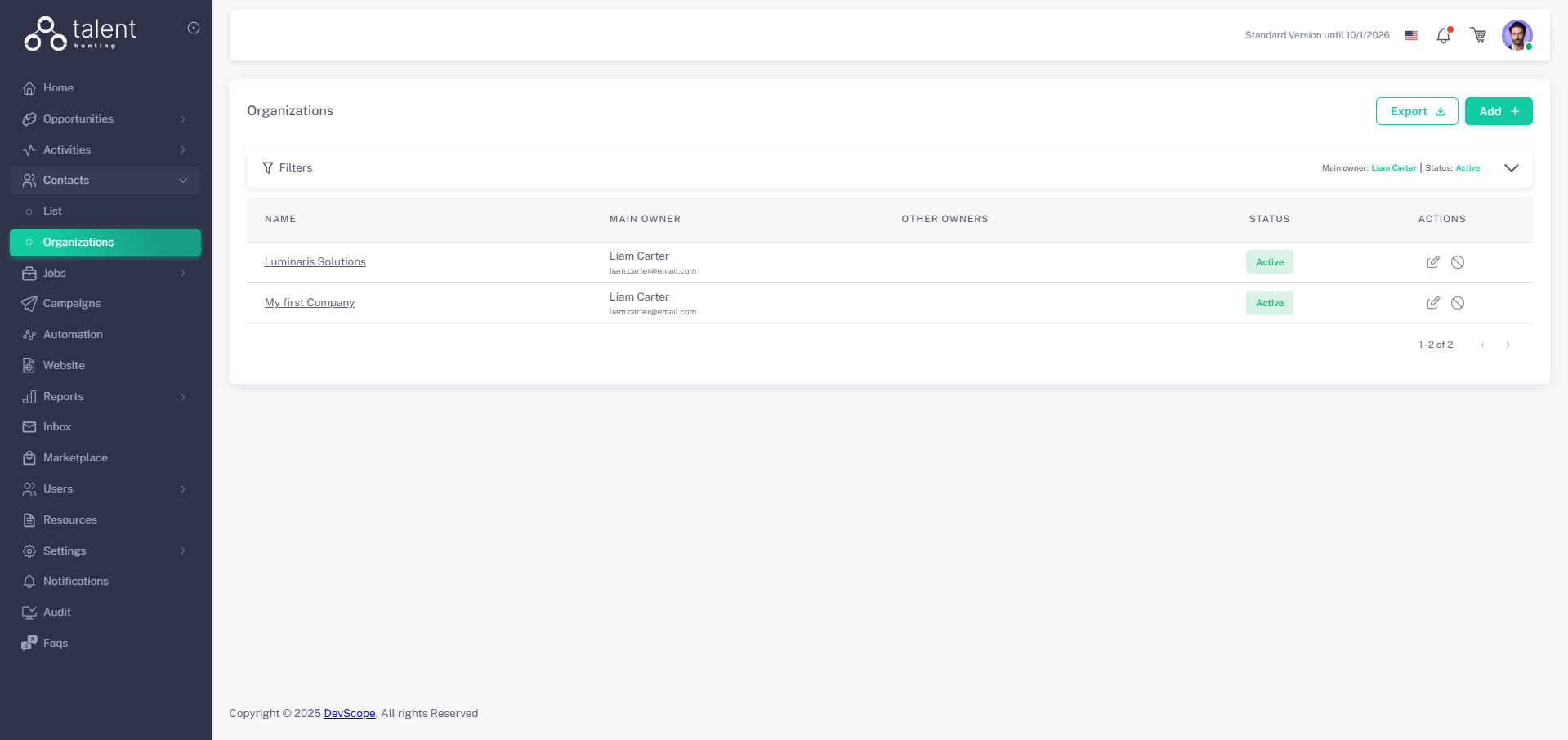
2 - Click “Add +”⚓︎
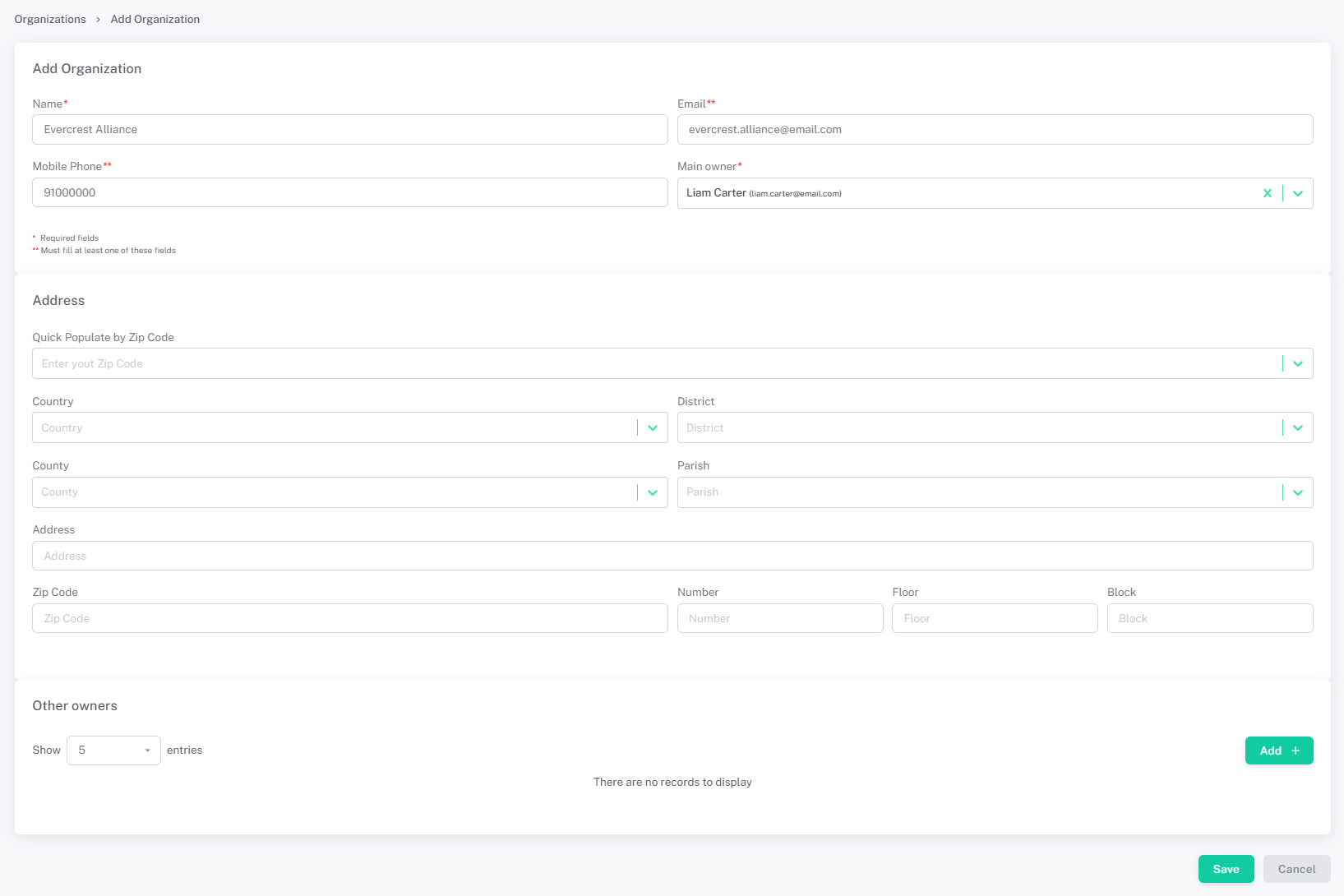
3 - Fill in Organization Details⚓︎
- Fill the Organization data.
- Other Owners can be added, giving them access to this Organization, access to it is also managed by Roles and Teams
4 - Save the Organization⚓︎
Click Save.