2 - Click “Sign In” for each provider where you want to publish your job posting⚓︎
3 - Go to the Jobs Section and click “Publish”on the job you want to publish⚓︎
The green slider indicates that the job is currently published on the provider. Clicking it will unpublish the job from that provider.
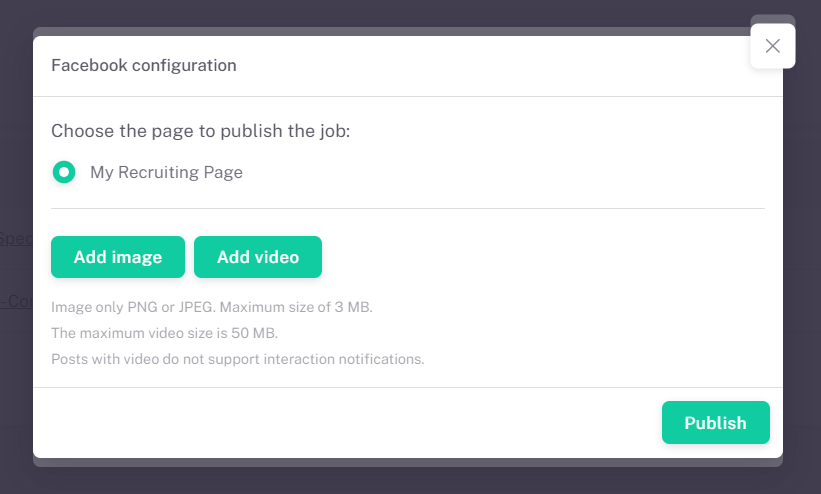
The greyed-out slider indicates that the job is not yet published on the provider. Clicking it will start the publishing process, opening a window where you can enter the specific information required for each provider.
.png)
.png)
.png)
.png)
.png)