Create a Job⚓︎
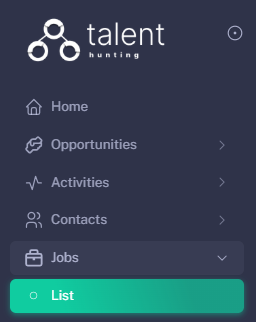
1 - Go to the Jobs Section⚓︎
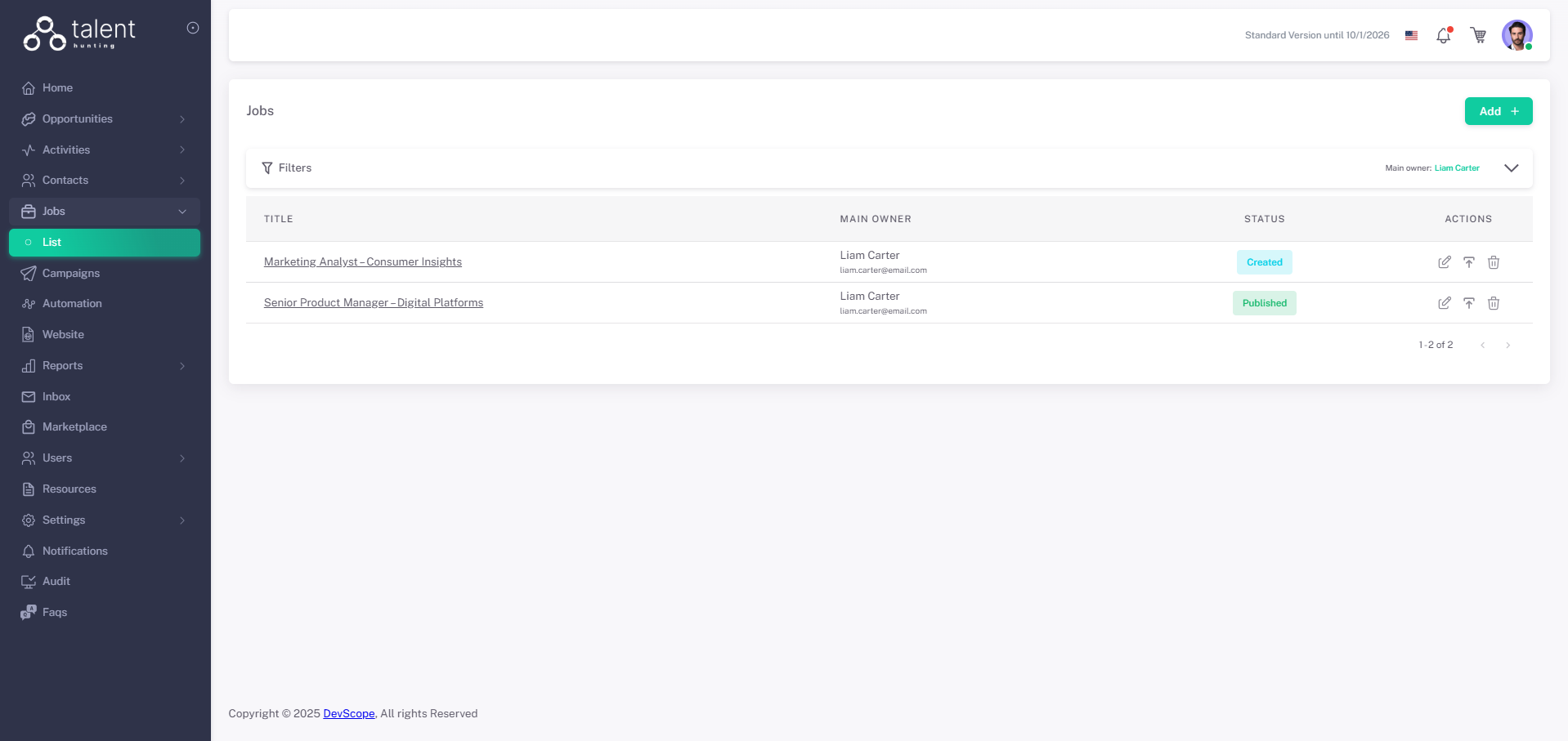
2 - Click “Add +”⚓︎
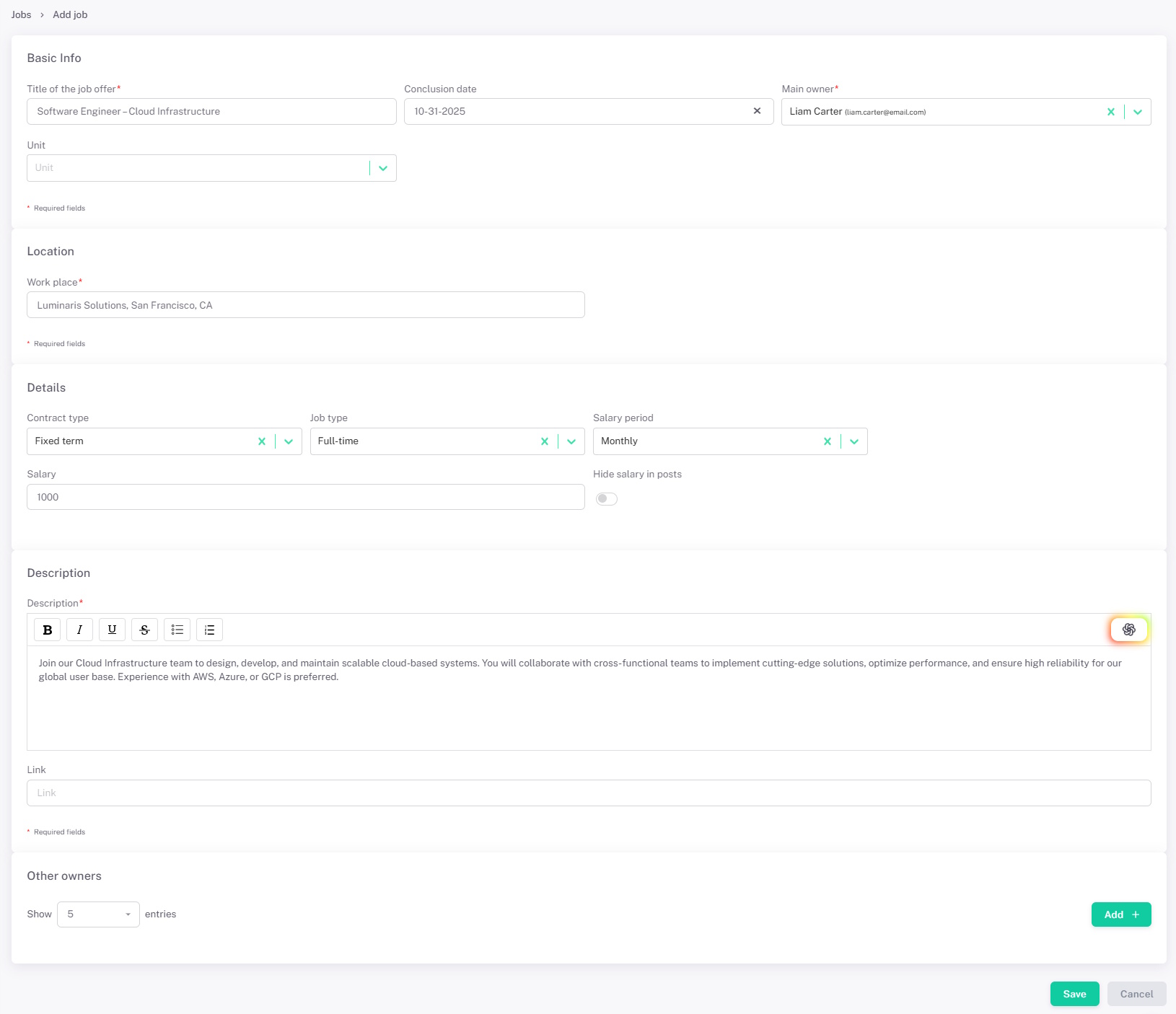
3 - Fill in Job Details⚓︎
- Fill the Job data.
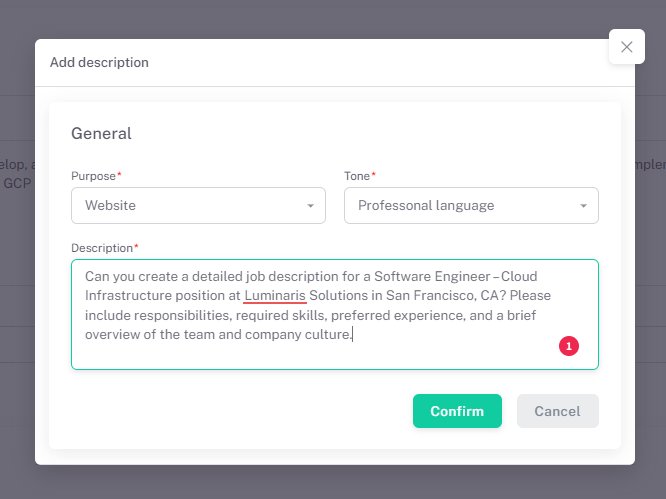
- AI generated Job description
- Other Owners can also be added, giving them access to this Job, access to it is also managed by Roles and Teams
Generate a Job Description⚓︎
Click the following button
This window will open, fill it with the desired settings to generate the Job description, after clicking "Confirm" the Description Job field will be automatically filled⚓︎
4 - Save the Job⚓︎
Click Save.