Login & Registration⚓︎
To access the application, go to: https://app.talenthunting.net/
Create an Account (Registration)⚓︎
- On the login page, click “Create Account”.
- Fill in your credentials:
- Password or sign in with your Microsoft or Google account.
- Click “Create Account”.
- You will receive a confirmation email. Open it and click the link to verify your identity.
- After confirming, you will be redirected to the login page.
👉 Upon registration, users automatically get a trial account to use and test the application immediately.
.png)
Login⚓︎
On the login page:
- Enter your registered Email and Password.
- Or log in using Microsoft / Google.
.png)
Password Recovery & Change⚓︎
- If you forget your password, click “Forgot your password?”.
- Enter the email associated with your account.
- You will receive an email to set a new password.
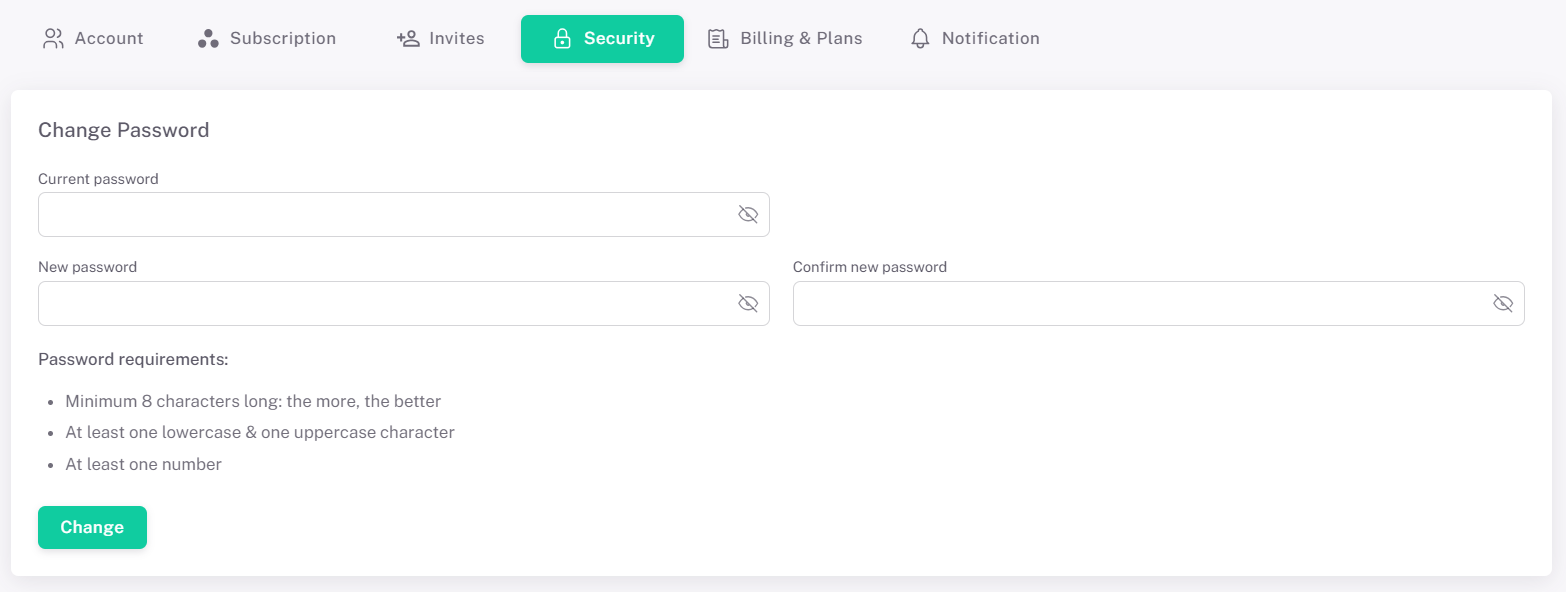
- You can also change your password in the Security tab under Menu Settings → Account.