Create a Contact⚓︎
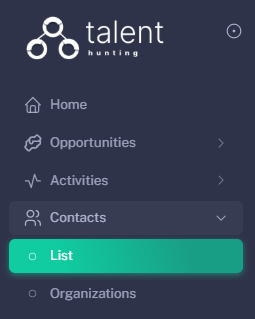
1 - Go to the Opportunities Section⚓︎
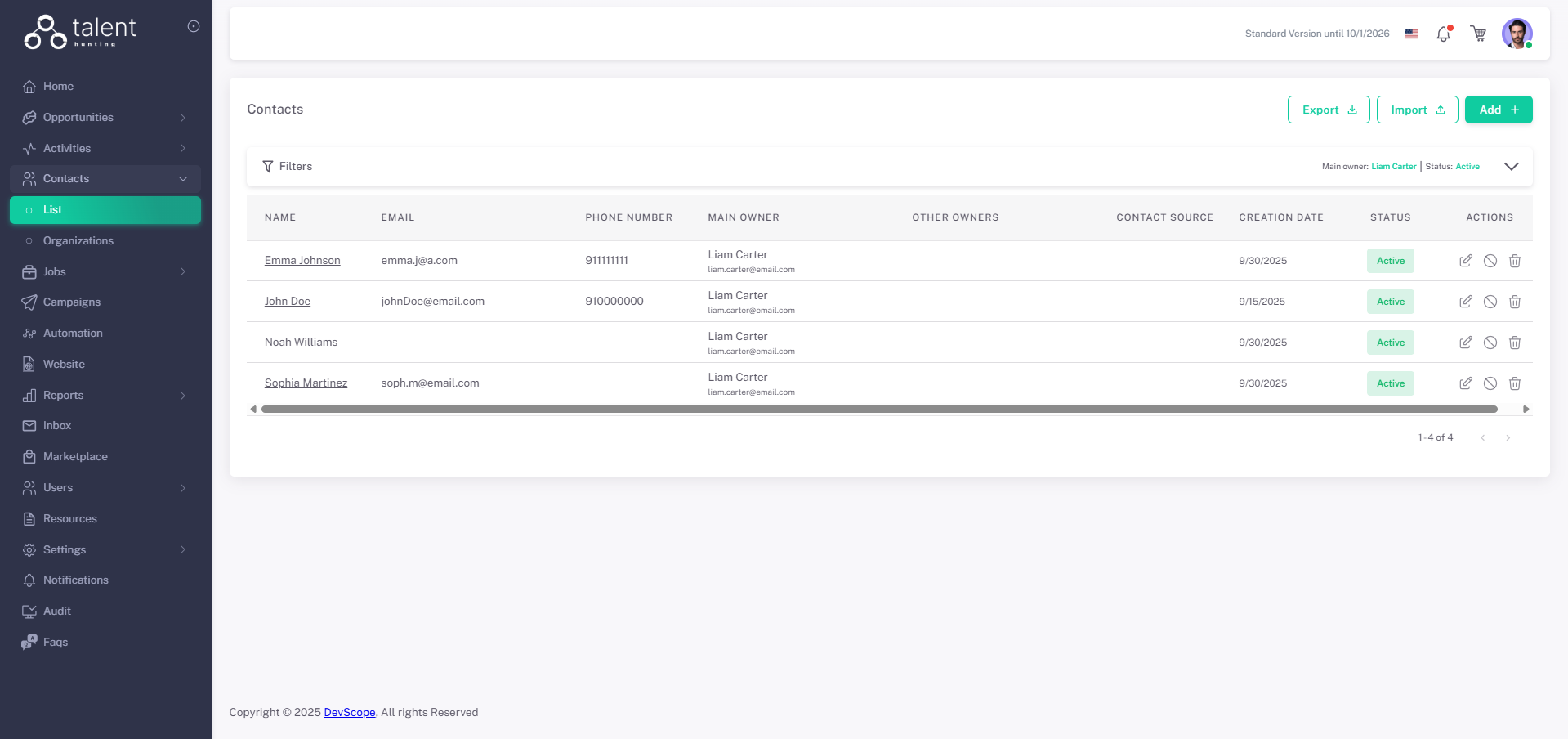
2 - Click “Add +”⚓︎
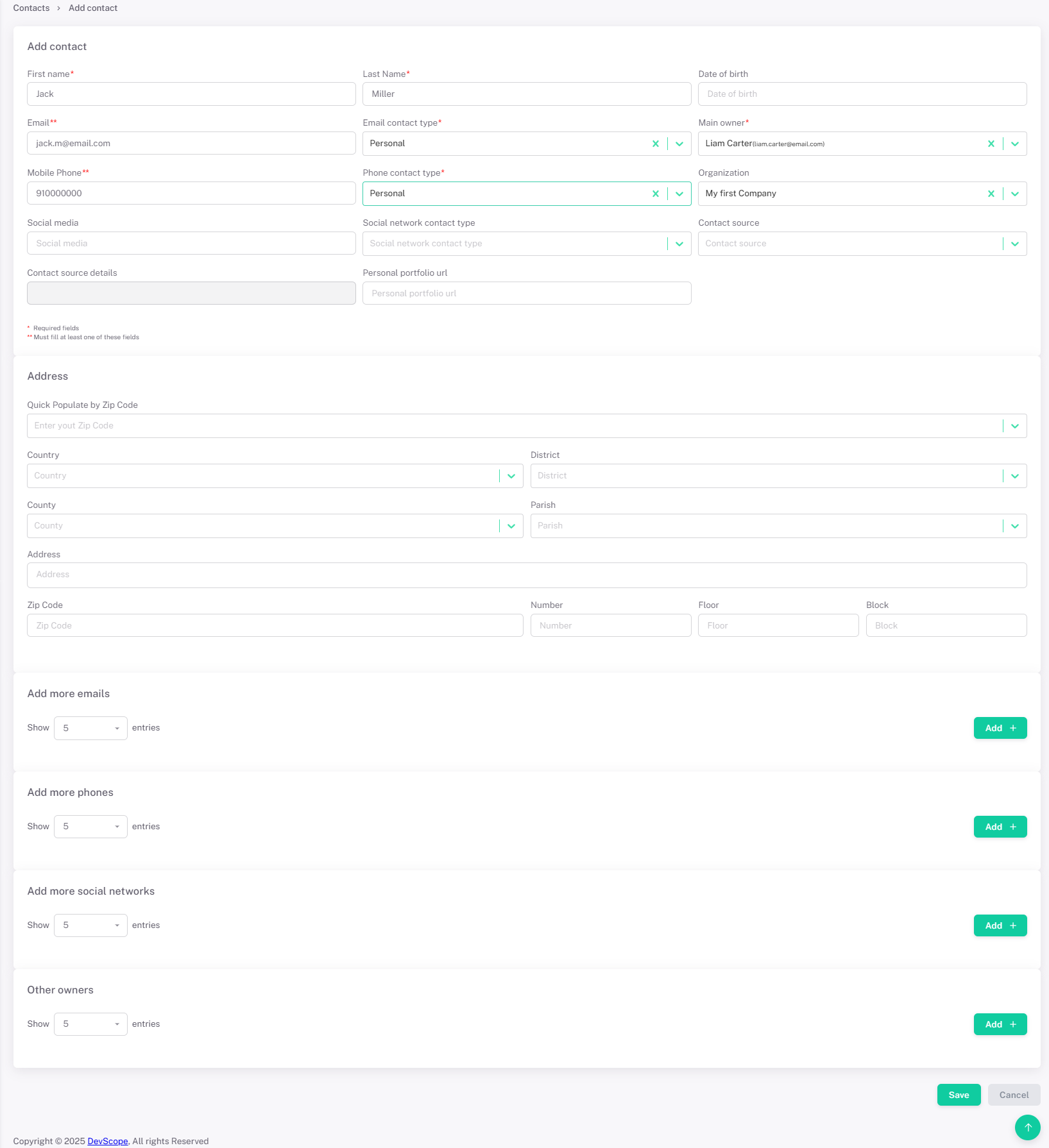
3 - Fill in Contact Details⚓︎
- Fill the Contact data.
- Multiple emails, phones, social networks can be associated with the contact
4 - Save the Contact⚓︎
Click Save. (After saving when editing the contact more info can info can be associated with it, like Activities, Opportunities, Jobs, Files)