Create an Opportunity⚓︎
1 - Go to the Opportunities Section .png) ⚓︎
⚓︎
2 - Click “Add +”⚓︎
.png)
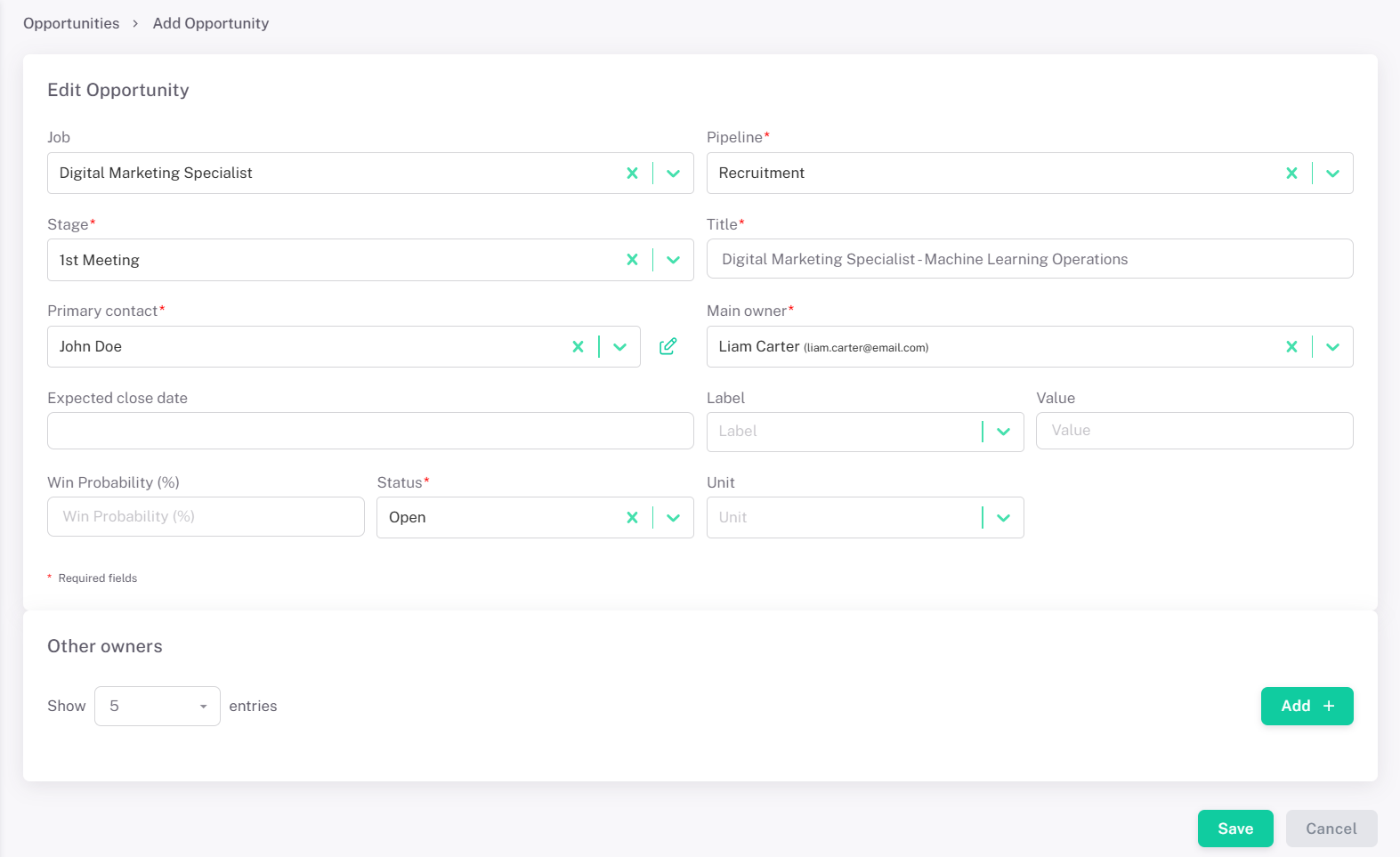
3 - Fill in Opportunity Details⚓︎
- Select the candidate from your contacts.
- Choose the job ad / open position.
- Add relevant details
- Assign to a Pipeline Stage - Stages are fully configurable in Talent Hunting.
4 - Save the Opportunity⚓︎
Click Save. The opportunity is now open and visible in your pipeline.