Create a Activity Type⚓︎
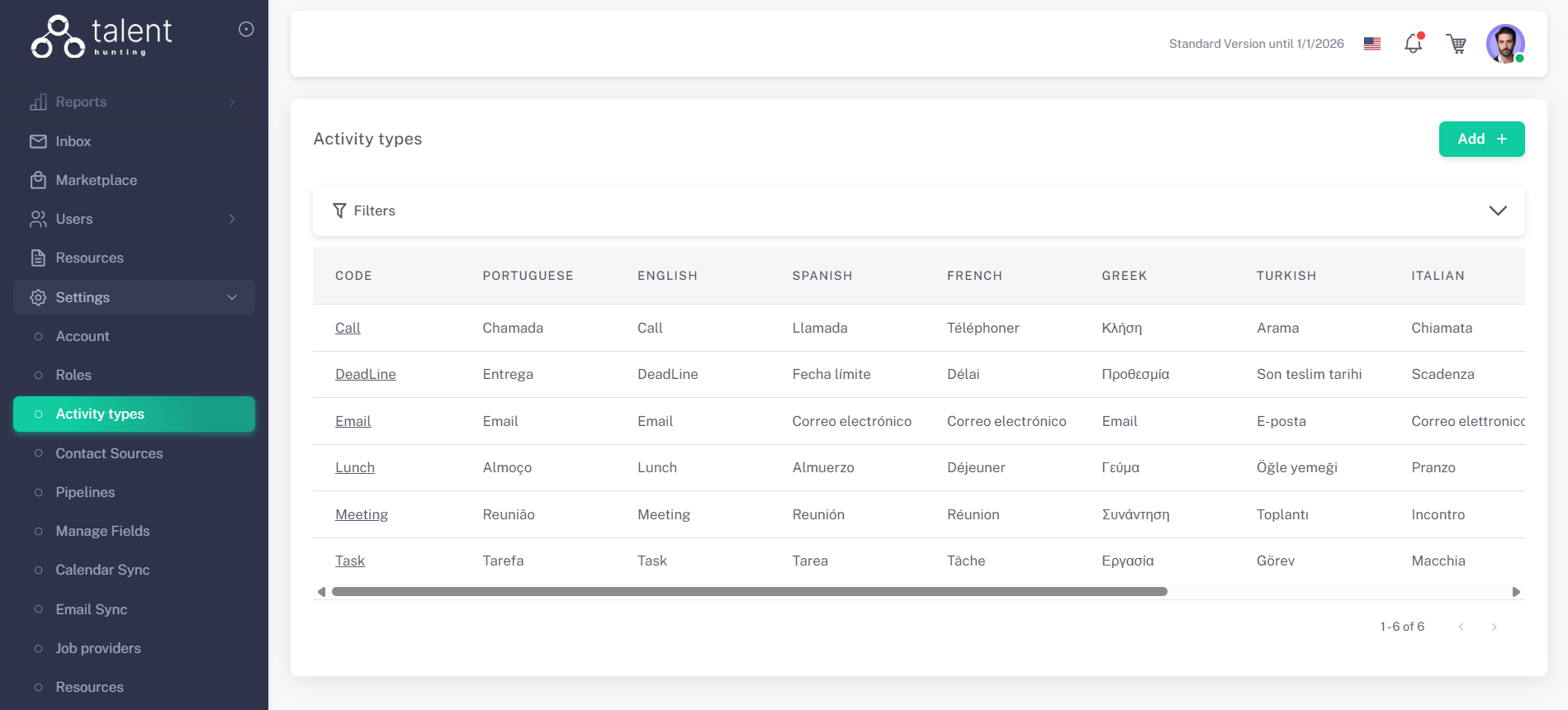
1 - Go to the Activity Types Section⚓︎
.png)
2 - Click “Add +”⚓︎
3 - Fill in Activity Type Details⚓︎
- Give a name to your new Activity Type
- Select its color, to be displayed on the Calendar
.png)
4 - Save the Activity Type⚓︎
Click Save. The new activity type is now available to assign to your activities.