Create a Pipeline⚓︎
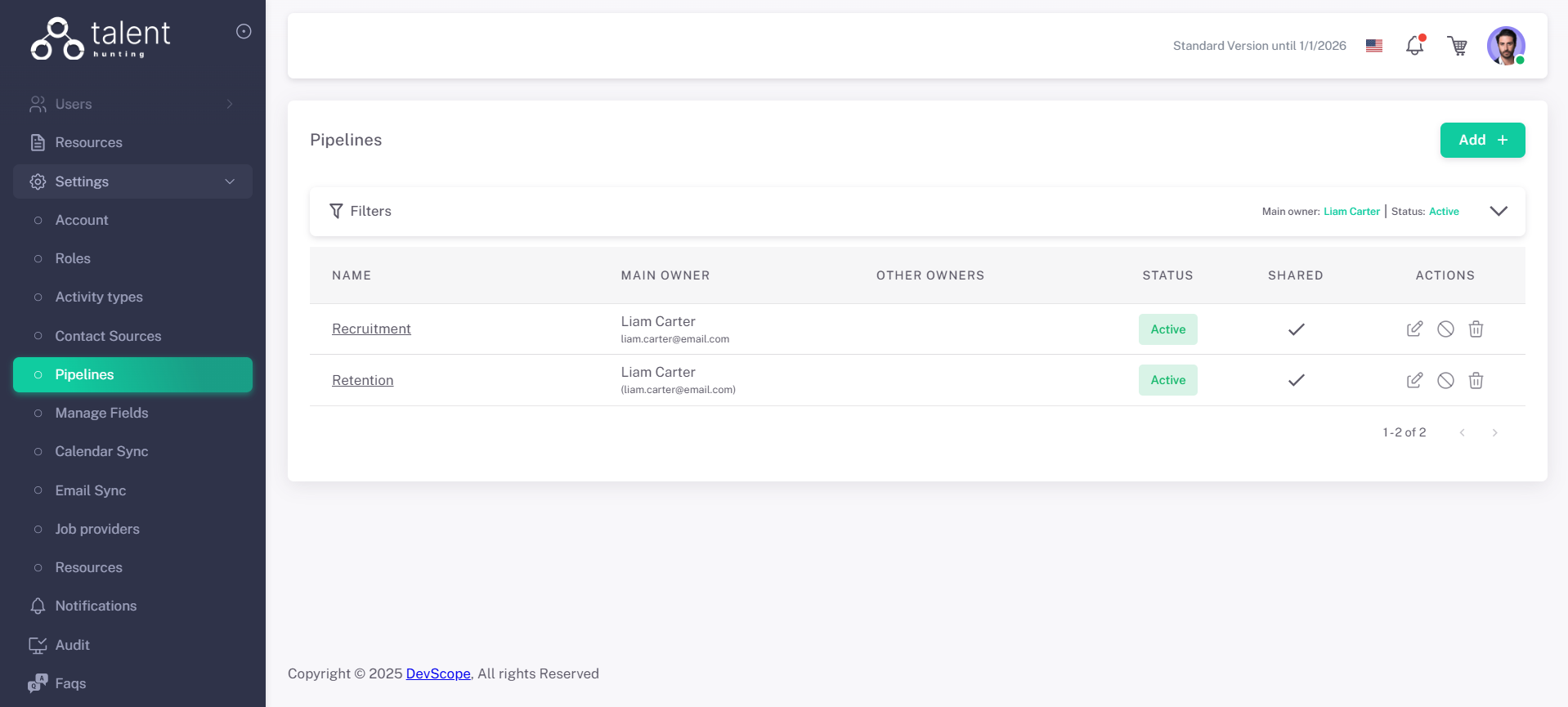
1 - Go to the Pipelines Section⚓︎
.png)
2 - Click “Add +”⚓︎
3 - Fill in Pipeline Details⚓︎
- Give a name to your new Pipeline
- Set if its shared or not
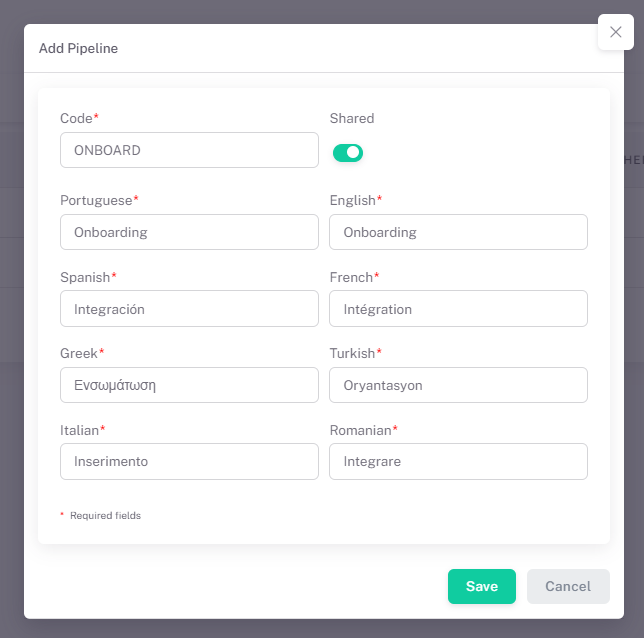
4 - Save the Pipeline⚓︎
Click Save. The new pipeline is now ready to be used and Stages for it can be created.
5 - Add Stages to Pipeline⚓︎
After saving the new pipeline you will be redirected to the Stages screen, where you can manage the stages associated to that pipeline
6 - Click “Add +”⚓︎
.png)
7 - Fill in Pipeline Stage Details⚓︎
- Give a name to your new pipeline stage
- Set its color
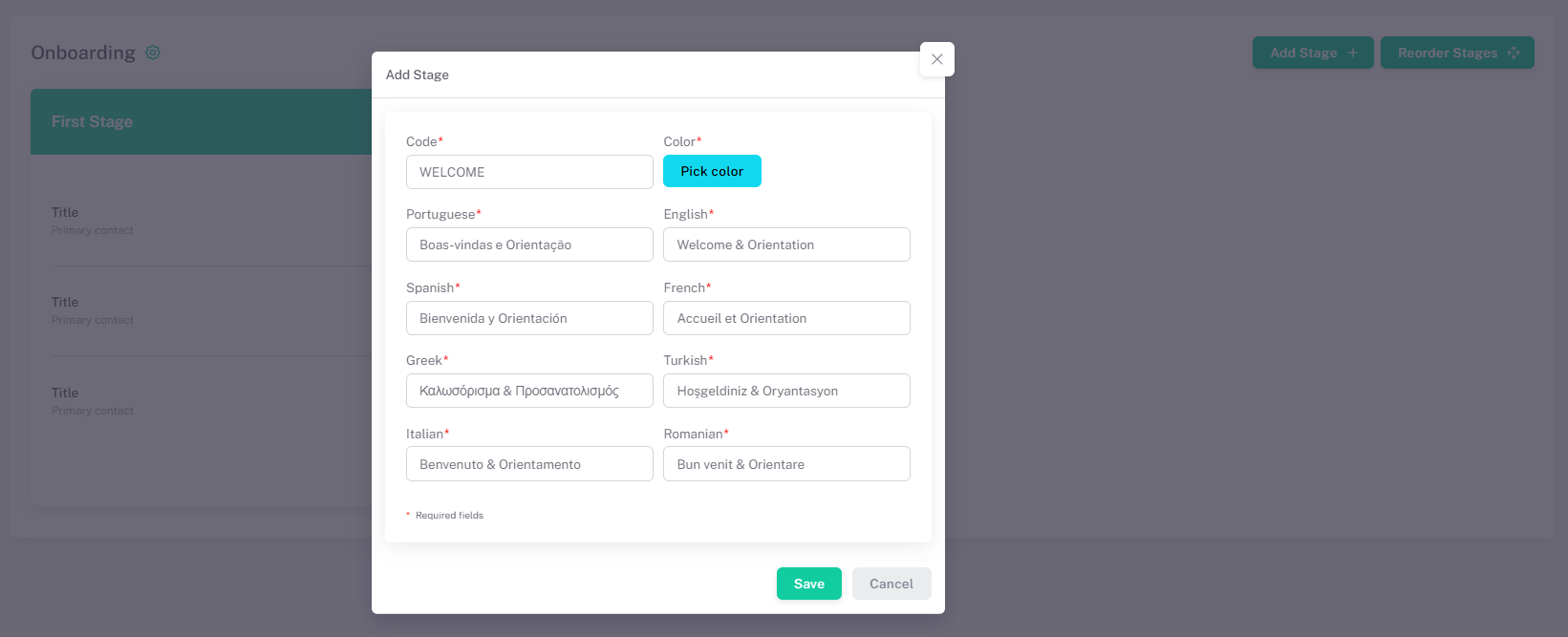
8 - Save the Pipeline Stage⚓︎
Click Save. The new pipeline stage is now ready to be used.